
The coaching workspace for better client plans
Manage clients and create polished plans in one focused workspace.
Clients
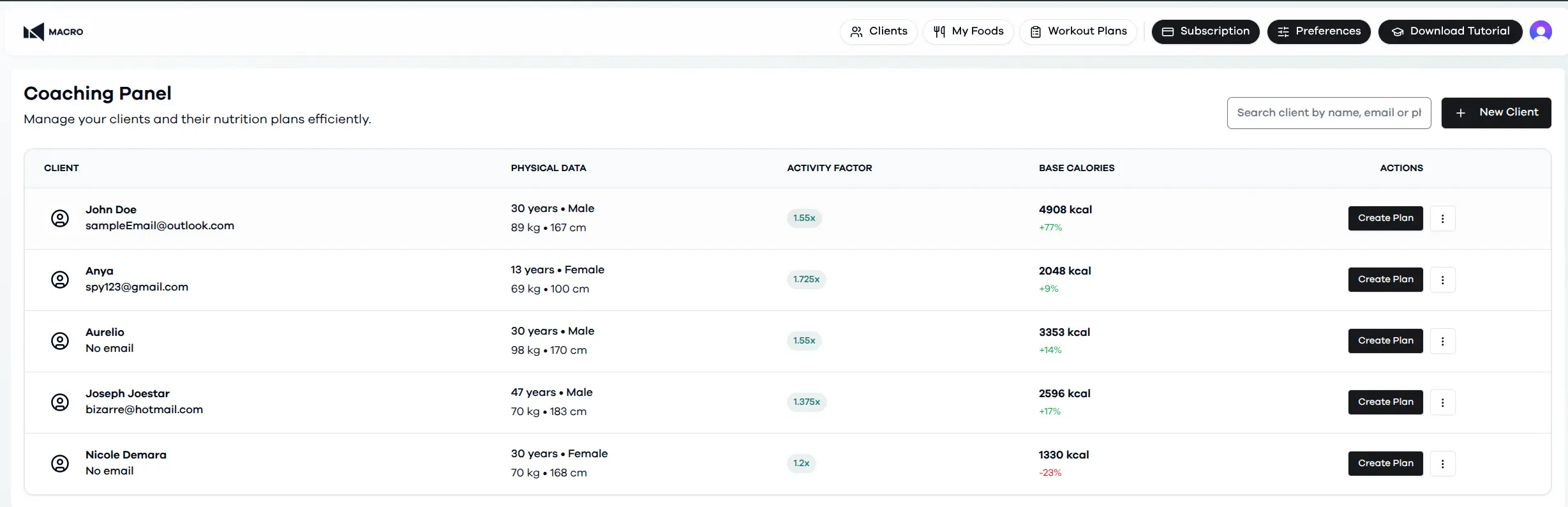
Keep every client profile ready for planning.
Macro keeps each client's contact details, body data, activity factor, dietary restrictions, and plan context close to the work that depends on it.
01 - Client profiles
Create and update client profiles with the data used for meal planning.
02 - Dietary restrictions
Record allergies, intolerances, preferences, and foods to avoid so every plan respects the client's needs.
03 - Meal builder and plans
Open the meal builder from a client profile to create structured, personalized meal plans.
Macro Meal Plan
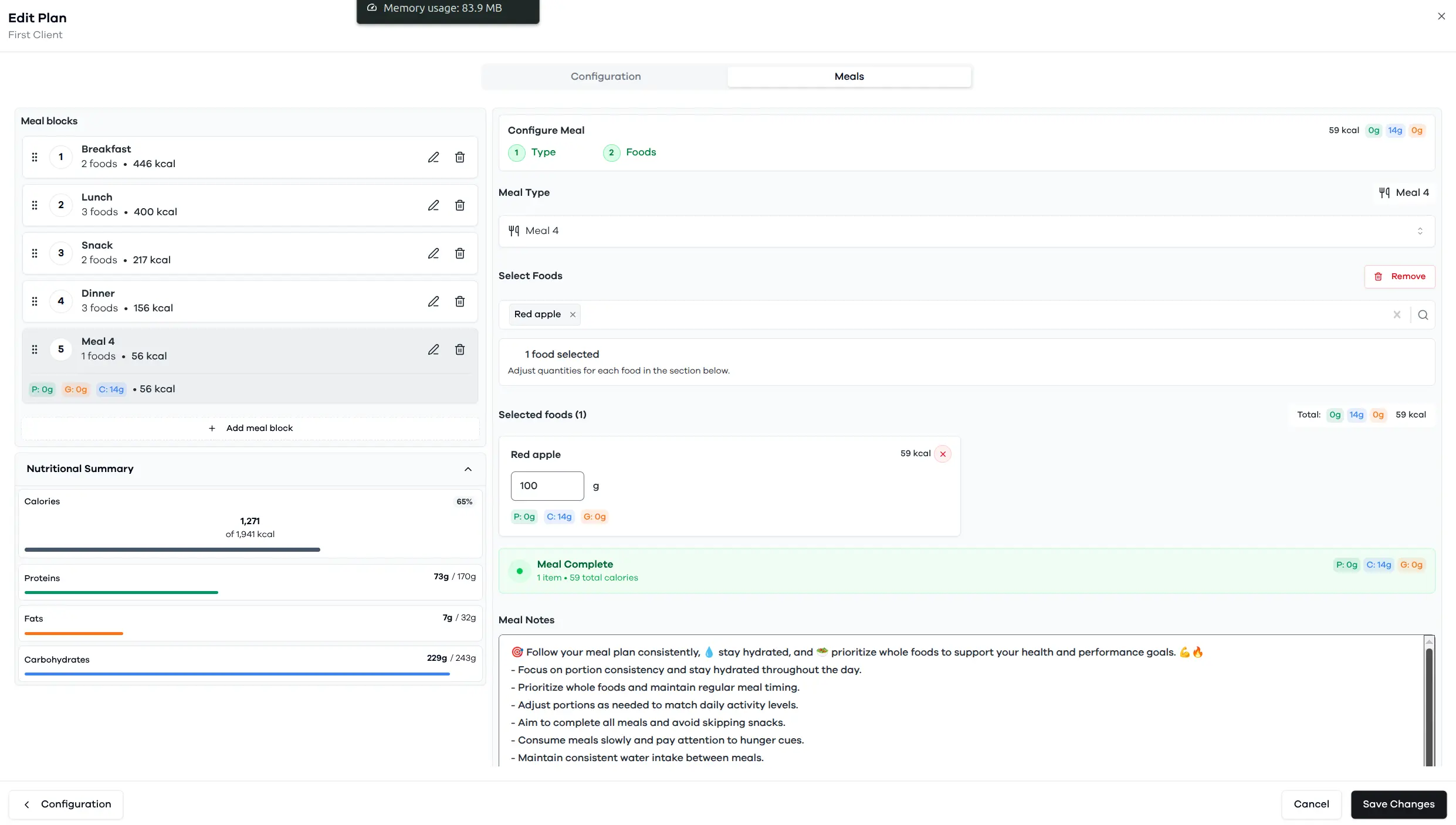
Build meal plans from macros to client-ready delivery.
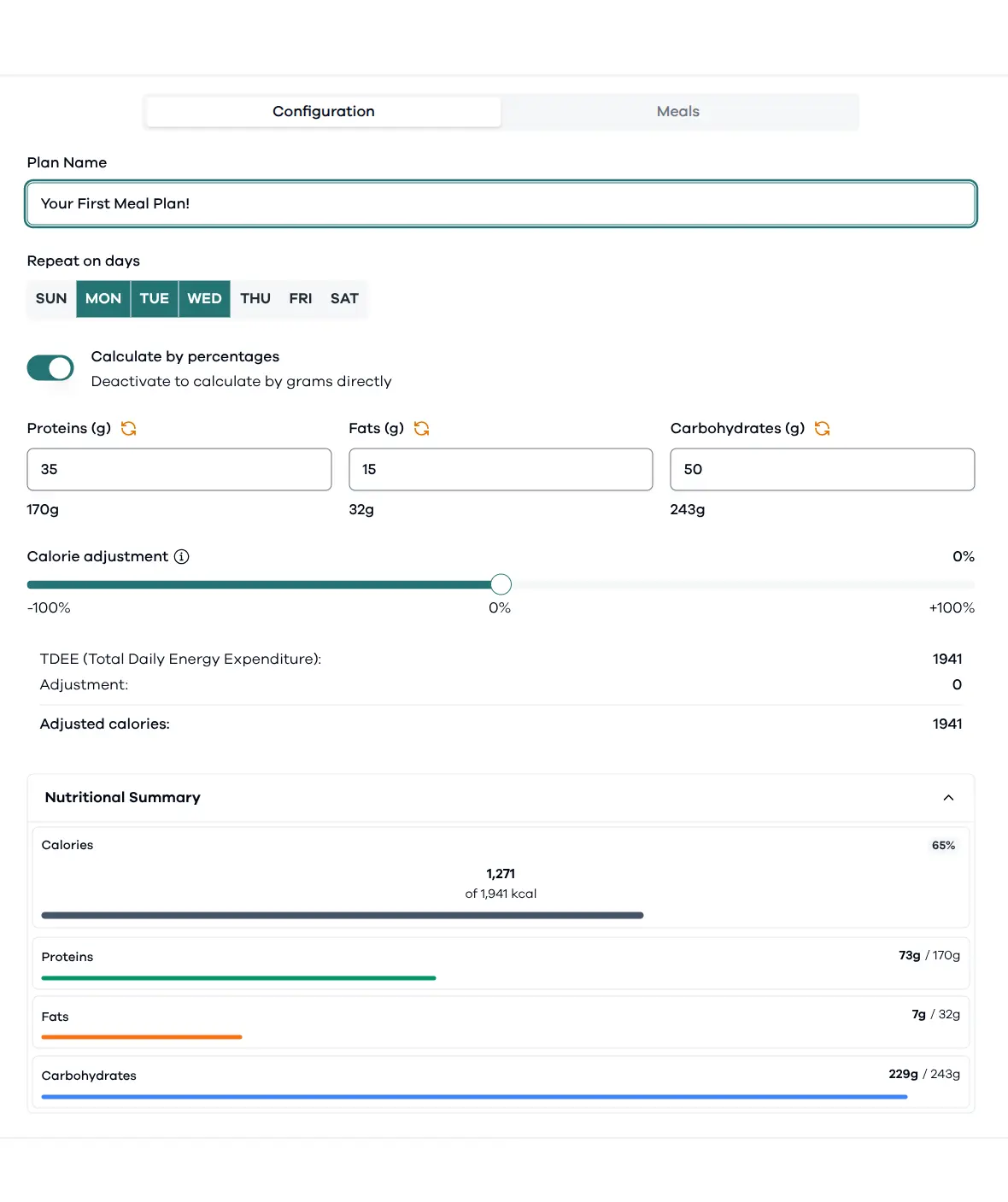
Set calories, macro distribution, repeat days, meals, and notes in one flow so each plan is structured before it becomes a PDF.
- 1Balance proteins, fats, carbohydrates, and calories against the selected client target.
- 2Use food selections and meal sections to keep plans easy to scan.
- 3Prepare clean meal plan output for sharing with clients.
Meal plan templates
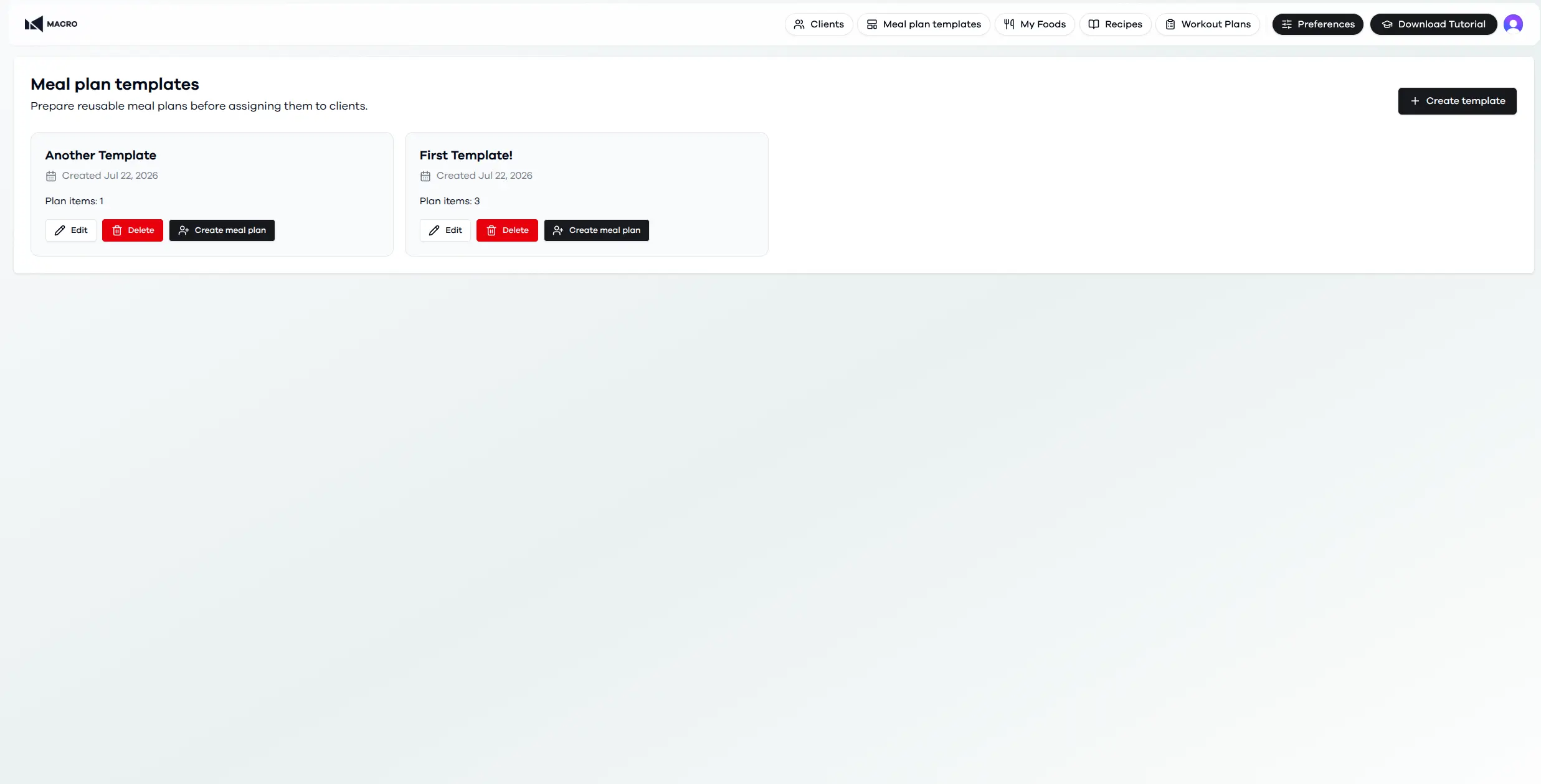
Turn your best meal plans into reusable templates.
Save a proven meal plan once, then use it as a starting point for new clients without rebuilding every meal and food selection.
Create and organize reusable meal plan templates for the plans you use most often.
Start a client plan from a template while keeping the new plan fully editable.
Update or remove templates as your coaching approach evolves.
Recipes
Build a reusable recipe library for every meal plan.
Create recipes with ingredients, preparation steps, meal types, and images, then keep them ready to reuse and share with clients.
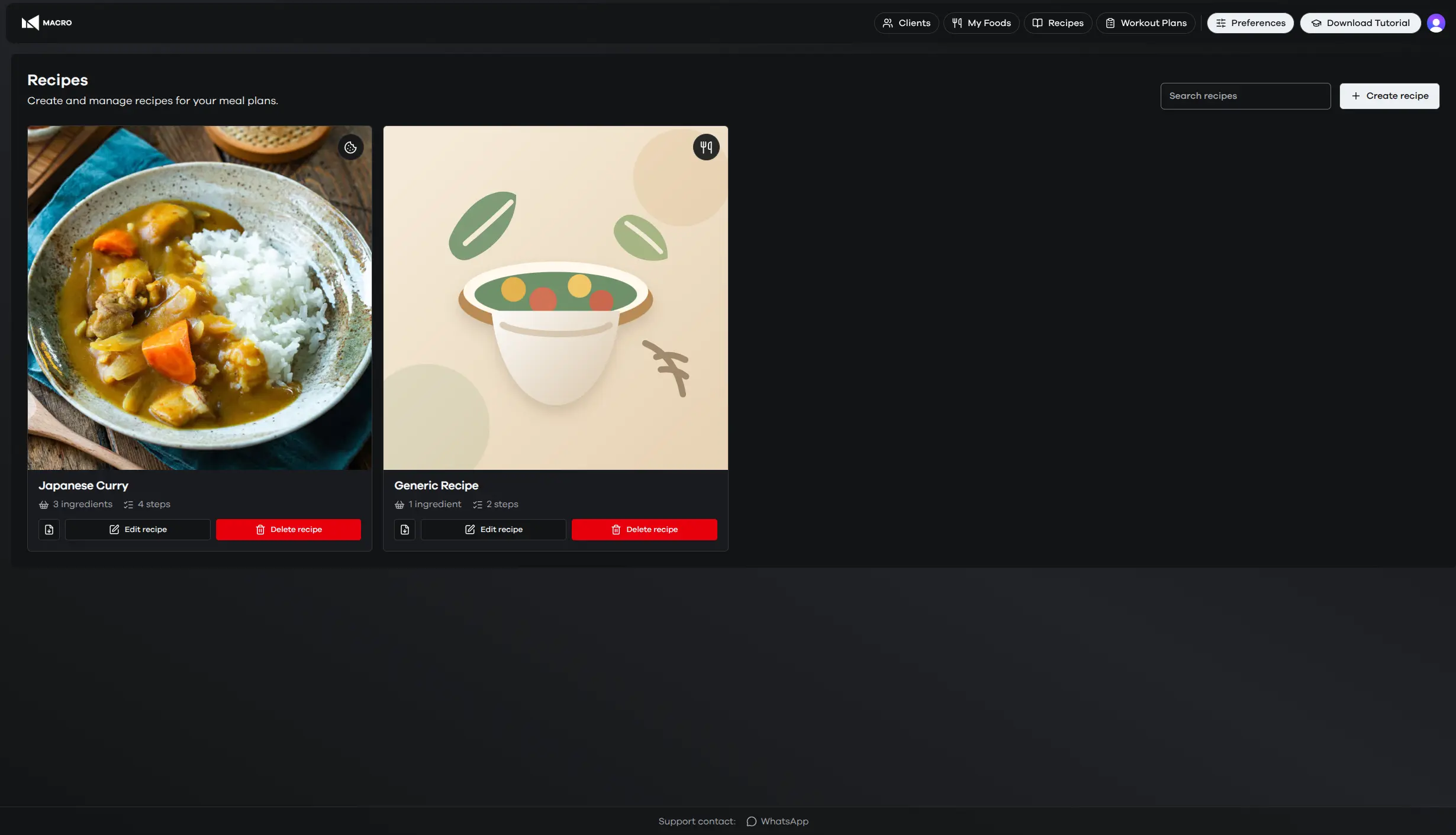
01
Create recipes from your food library with quantities that stay easy to review.
02
Add preparation steps, meal types, and images to keep every recipe clear.
03
Reuse saved recipes and share a client-ready recipe link when needed.
Workout plan
Plan training days with reusable structure.
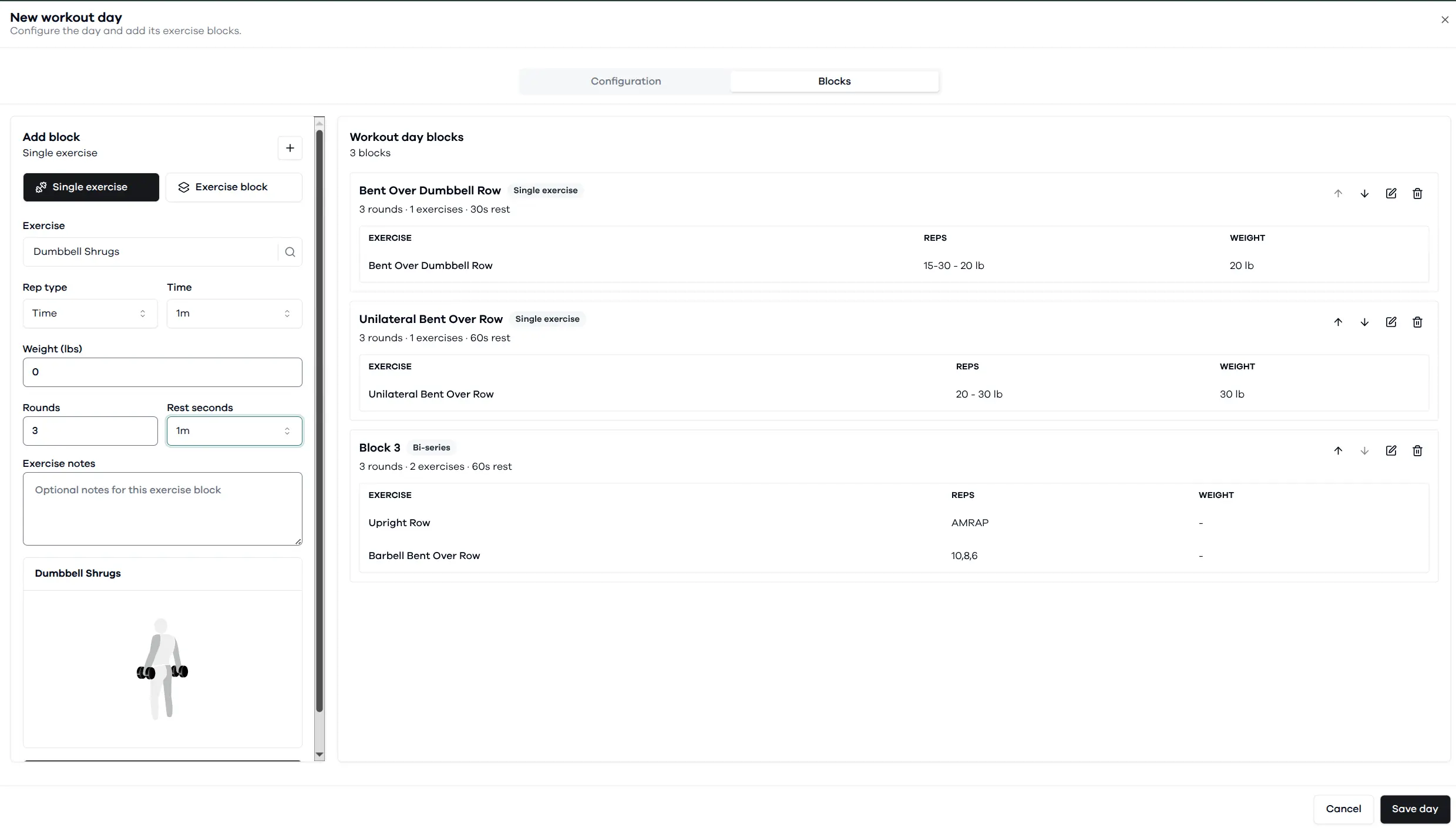
Macro gives coaches a dedicated workout planning area for days, exercise blocks, reps, rest, notes, and media-backed exercise guidance.
Create workout days with ordered blocks and exercise details.
Reuse exercise blocks across plans to keep programming consistent.
Attach exercise context so clients understand the prescription.